PLUGINS
Linux supports a bunch of plugin formats, including VST2 and VST3, and the native Linux LV2 format. There is also some support for the newer CLAP format.
Note that plugins have to be Linux versions: native Windows VST3s will NOT directly work under Linux. They can often, however, be made to work using Wine and Yabridge.
There are a bunch of commonly used, native plugin suites for Linux. Many of these are Open Source and freely available. Here’s a non-exhaustive list. Many of these are also available on Windows and Mac:
Linux Studio Plugins
This is an extensive suite of free plugins covering EQ, dynamics, multiband processing, convolution reverbs, delay effects, analysers, samplers, generators and oscillators, and much much more (see Linux Studio Plugins Project). If you are using these sorts of tools on other platforms, there’s a good chance an LSP Plugin equivalent is available.
The author frequents the Ardour community.


x42 Plugins
X42 is one of the main developers of Ardour, but he also produces a bunch of excellent plugins, covering metering, EQ, Limiting, Autotune, Convolution, and some effects.

For MIDI users, there’s a really useful bunch of MIDI utilities which do things like note remapping, auto-chord, keysplits, and MIDI strum.

He also has a step sequencer, GM/GS MIDI synth, an excellent Hammond B3 emulator, and has packaged the excellent AVL drums soundfonts into a plugin.
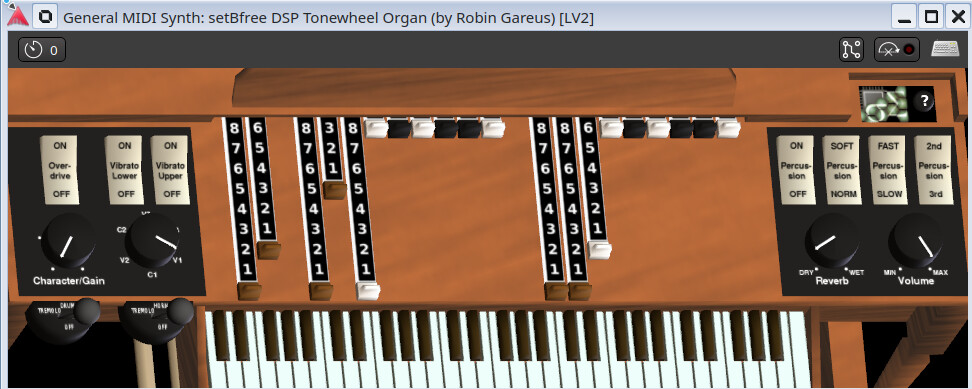

Most of these are free, although some are commercially licenced. Many of these are also bundled with Harrison Mixbus.
Dragonfly Reverb
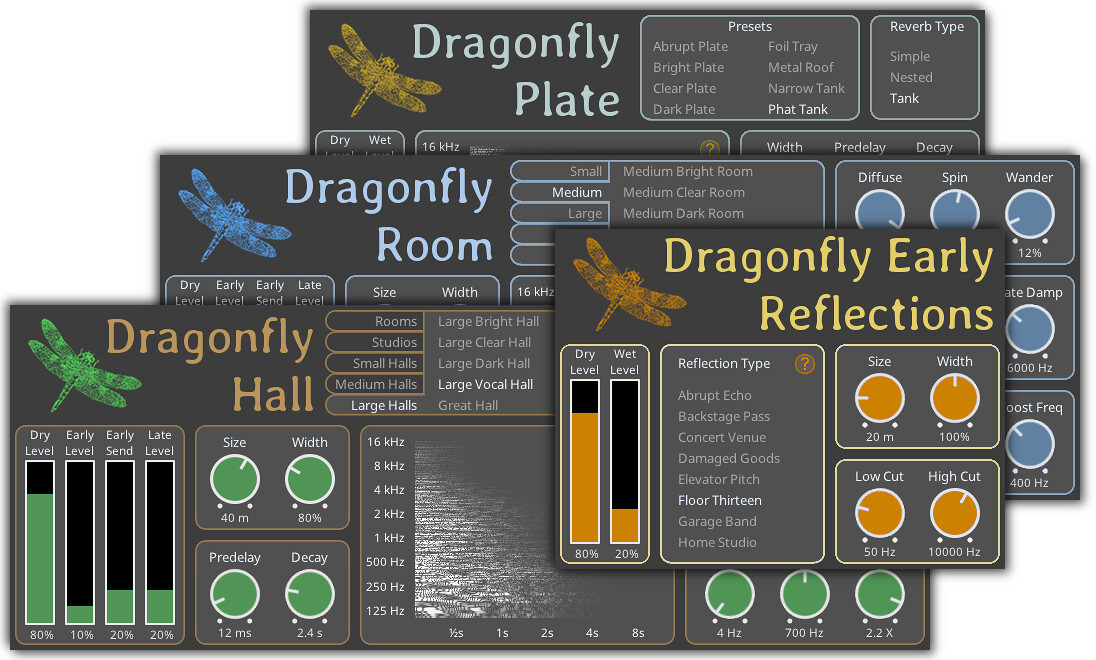
A suite of reverb plugins that provide Plate, Room, Hall, and other reverbs. High quality and well regarded. Open Source and free to use.
AirWindows
A fantastic, but often quirky, library of plugins covering a wide range of capabilities. There are over 400 individual plugins (apparently 462 at time of writing) with Chris, the developer, releasing new ones all the time. If there’s a criticism of AirWindows, it’s that there’s so many of them, it’s difficult to know what to use!
The best approach is probably to use AirWindows Consolidated, which is a large number of the plugins in a single plugin, with a simple GUI selector:

Many of the plugins are quite experimental, and are evolutions or variations on his other plugins. He has a large number of plugins, for example, dealing with different types of reverb, ranging from the more normal “Chamber” to whacky stuff like “kAlienSpaceShip”.
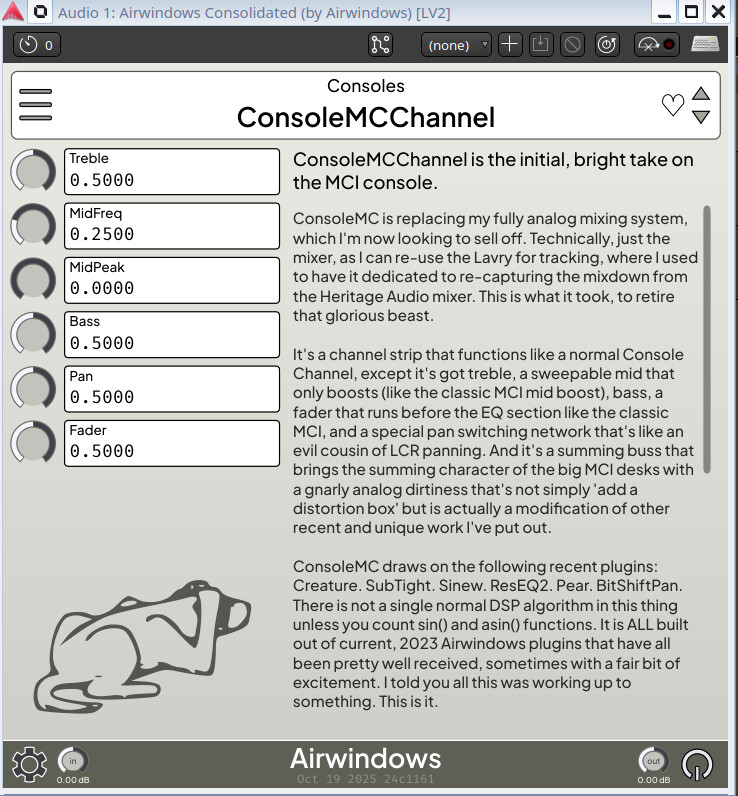
I particularly like the Tape8 tape emulation, and the ConsoleMCChannel:
The Monitoring3 utility is also useful to testing how tracks sound on different media:

There’s a wealth of interesting and useful plugins here, all for free!
Chris also has a Youtube Channel where he announces and demos new plugins.
ACMT Plugins
These are commercially licensed, non-free plugins, but they are excellent quality and value for money. They include some vintage inspired compressors, EQs and console strips.
Cheers,
Keith

